For appliance repair businesses
A CRM for appliance repair, from first call to return visit.
When a repair needs a diagnosis, a quote and another visit, the client history matters. Service Zen keeps requests, jobs, messages and invoices connected to the client so the next conversation starts with context.
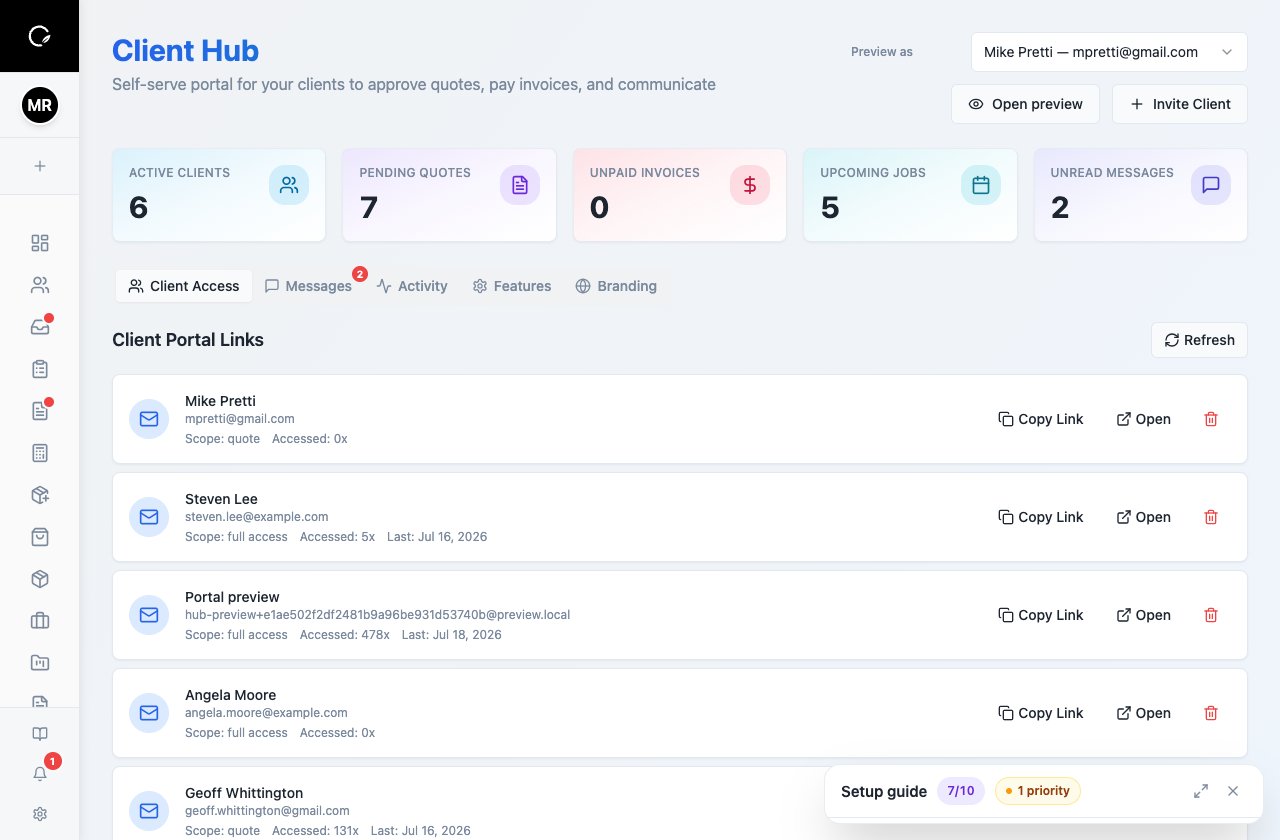
Keep the customer, the repair and the next step together.
The everyday workflow
Give every repair a clear next step
Start with the customer and symptom
Create the client record and describe the reported fault in the work request. Ask for the appliance type, brand, model, service address and access details where relevant. Put supplied equipment details in your job notes so the technician has useful context before attending.
Schedule the diagnostic visit
Create and assign the job, then review the calendar before confirming the appointment. Keep the initial diagnosis distinct from the proposed repair. That makes it easier to explain a diagnostic charge and the work that still needs approval.
Record the proposed repair
Build a quote with the labour and parts you intend to supply. Send it for approval and keep the decision with the client history. If a part needs to be sourced, record the next action in your notes and follow up before scheduling the return.
Complete the repair and follow through
Use the job and invoice workflow to record completed work and bill the client. When they contact you again, review the earlier quote, job and messages before creating a new request. The same history helps the office distinguish a new fault from a follow-up visit.
Built around your work
A customer relationship can span more than one appointment
A shared record for the office and field team
Service Zen brings client activity into a CRM timeline, including quotes, jobs, invoices and supported communications. The office can review what happened without relying on a technician’s memory. Use clear notes and consistent descriptions so another team member can understand the case.
A practical approach to appliance details
For a dishwasher that stops mid-cycle, the reported symptom, model reference and diagnostic findings are more useful than a generic “repair” label. Capture those details in the request or job notes. During a demo, test your own equipment-recording needs, especially if you require dedicated asset registers, parts inventory or manufacturer warranty administration.
Keep sales and service connected
An approved estimate is only one stage of the repair. Scheduling, technician assignment, the completed job and the invoice still need to agree. Service Zen connects those back-office workflows, making it possible to follow the client relationship through the work rather than treating the CRM as an isolated contact list.
A few useful answers
Before you get started.
What should a CRM for appliance repair keep track of?
At minimum, look for customer details, service addresses, repair requests, appointment history, quotes, invoices and communications. Test how your team records equipment information and manages return visits using a realistic repair scenario.
Can Service Zen connect a client to their repair history?
Yes. Its CRM timeline brings together related client activity such as quotes, jobs, invoices and messages. Keeping records attached to the correct client helps your team review earlier work before responding to a new request.
Can I use it for quotes and scheduling as well?
Yes. Service Zen includes quoting, job management, scheduling and invoicing alongside the CRM. Review pricing for current plan availability and use the demo to check how those steps fit your repair process.
See how it fits your business.
Explore the demo, then compare the current plans.