 Service Zen
“The customer changed the finish after we priced the driveway.”
✓ With Service Zen
Update the finish and quantity in the estimate, then send the revised scope for approval.
Price slabs, driveways, and pads using area, thickness, finish, and removal. Keep the agreed scope and site access details with the job so the crew and office can prepare for the same pour.

Slab estimates, finish options, and a clear handoff to the crew. Built for four-season trade & service teams
“The customer changed the finish after we priced the driveway.”
Update the finish and quantity in the estimate, then send the revised scope for approval.
“We priced the pour, and now the existing slab has to come out too.”
Include demolition and disposal as their own estimate line so the customer can see what removal adds.
“The crew found out at the site that the truck can’t reach the pour.”
Put access and staging notes on the job so the office can plan equipment and crew time before scheduling.
Use your own inputs. The calculator starts with example values.
A 35% profit margin is not a 35% markup. Adjust labour, materials and target margin for a concrete job to see your exact pre-tax and tax-included quote total.
Formula: Quote Price = $600 direct cost ÷ (1 − 0.35) = $923.
Itemize the existing slab removal, prep, and new concrete finish.
Example figures and terms. Replace them with your own before sharing.
Confirm the specification for the site. Price access, equipment, and extra prep separately where needed.
Record each pour area, finish, and thickness. Confirm access and whether the existing surface needs removal.
Enter the area and finish in the estimator, then review site-specific costs, demolition, and any pump or equipment charges.
Send an itemized quote that identifies the finish, the work included, and any conditions that would require a revised price.
Coordinate prep and pour dates. Keep crew instructions and completion notes with the job for final billing.
Build a starting price with broom, exposed aggregate, or stamped finish. Confirm specifications for the actual site before ordering or sending a final quote.
Check base preparation, access, and demolition during the site visit. Add the items that exceed the estimator’s starting assumptions.
Attach the prep notes, schedule, and quote to the job so everyone can see the same plan.
Use the slab and pad template for slabs, driveways, walkways, patios, and similar pours. Its inputs include area, thickness, finish, and removal of existing concrete.
Yes. Turn on the removal option to add a demolition and disposal line. Review the starting price against site conditions before quoting.
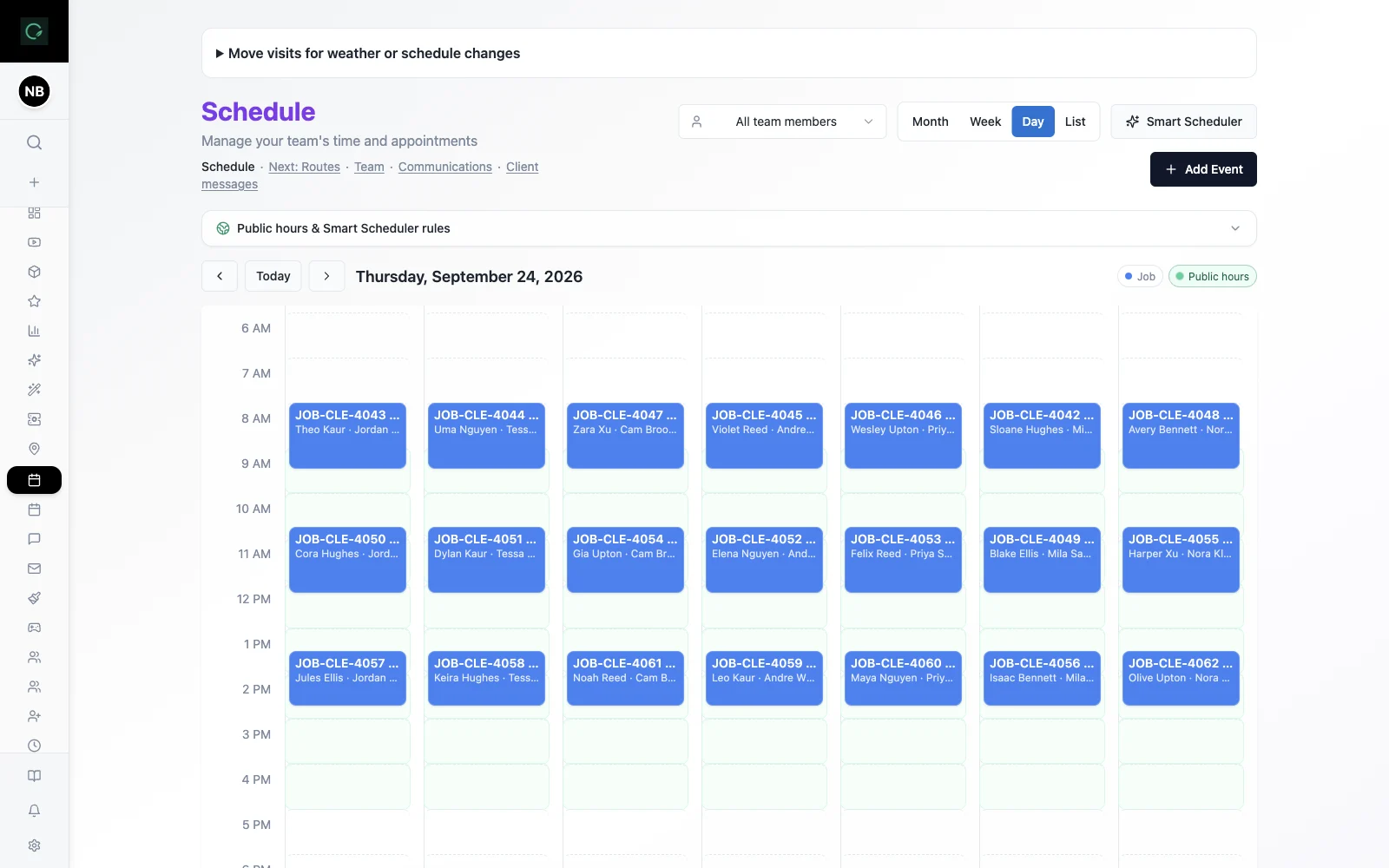
Use the scheduling workspace to plan prep and pour work and assign the team. Keep the approved scope with the job.
Explore the live demo, test a workflow, or compare our current plans.